
phpBB Sego BASE-Modern
56,00 €
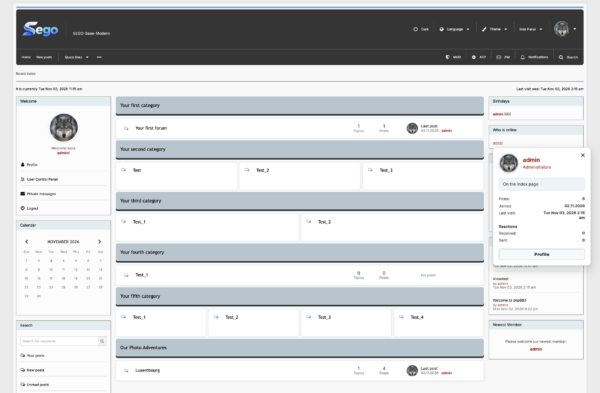
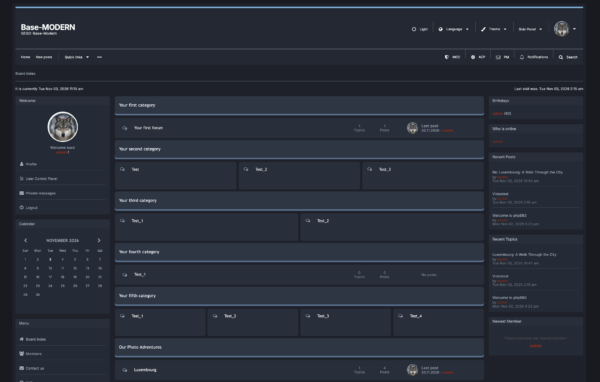
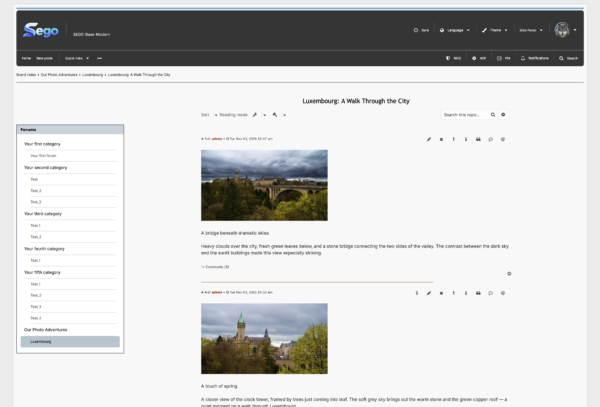
SEGO Modern is a phpBB-based distribution that includes all BASE features, an additional Modern style in light and dark variants, and new functionality: tree-based forum navigation, discussions attached to individual posts, and homepage settings. It features redesigned user and administration interfaces, responsive layouts for phones and tablets, one-click installation, and 24 SEGO modules.
- Description
Description
1. A Ready-to-Use Forum with One-Click Installation
SEGO Modern is a preconfigured distribution for building a practical, feature-rich forum. Styles, modules, and default settings are included, so there is no need to assemble and enable individual components yourself.
Once you enter the required details, the installer automatically installs and enables the included styles and modules and applies the default settings. Your forum is ready to use as soon as installation is complete.
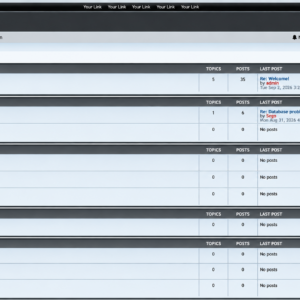
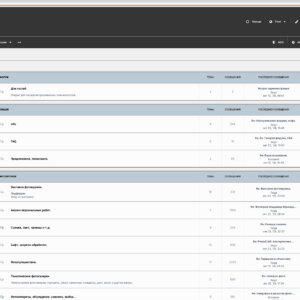
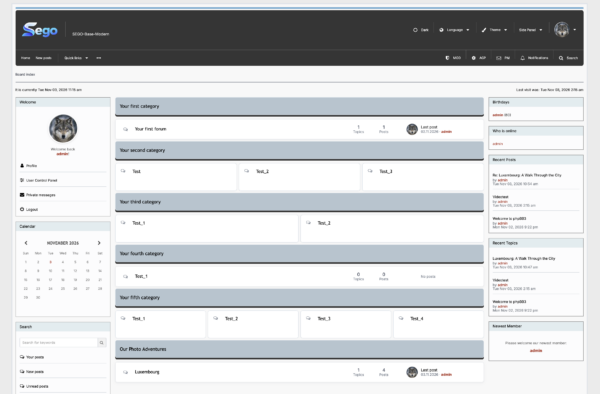
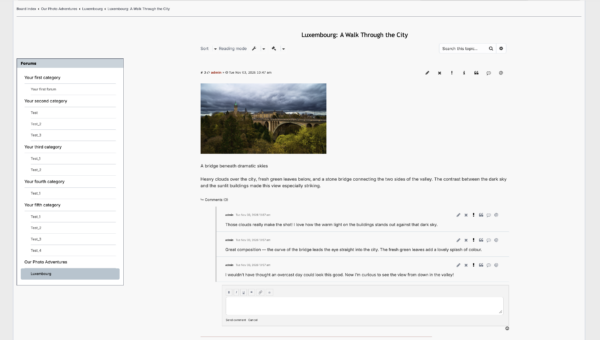
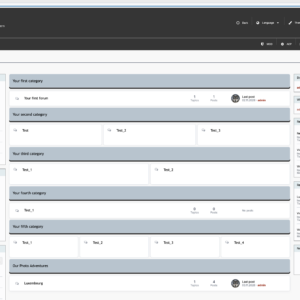
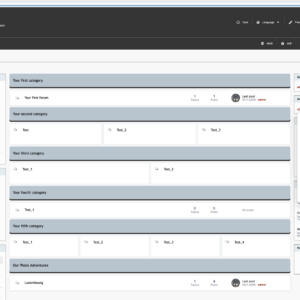
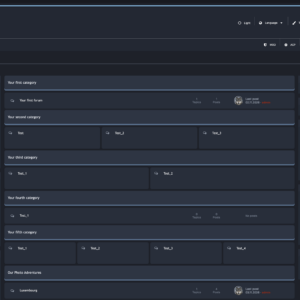
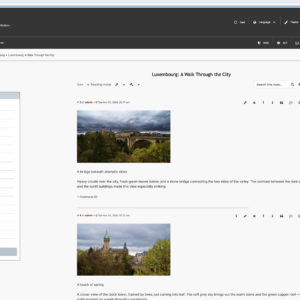
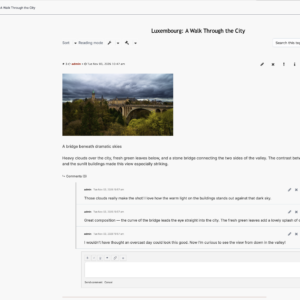
In addition to all BASE features, the distribution includes the Modern style in light and dark variants, a new post layout with separate comment threads, and a quick-navigation sidebar with a forum tree. Additional settings let you customise the homepage layout and the appearance of forum cards.
2. User Interface
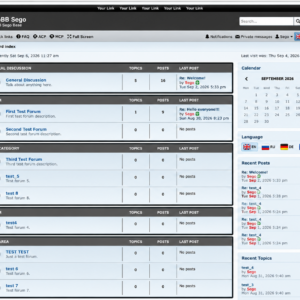
The redesigned interface combines a familiar forum structure with convenient access to essential features.
The header brings together the user menu, quick actions, language and style selection, and light and dark appearance options. SEGO Traditional, Classic Light, and Classic Dark styles are also available.
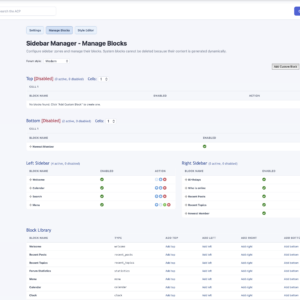
The configurable main menu keeps important sections and links within easy reach. Information and navigation blocks can be placed in sidebars and in panels above and below the main content. A width switcher lets users choose a comfortable content layout.
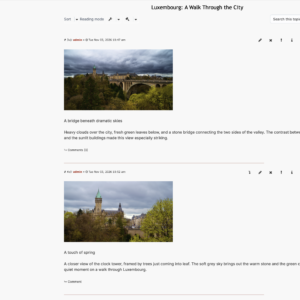
Enhanced posting and quick reply forms are complemented by post reactions, pop-up user cards, an image viewer, and a dedicated topic reading mode.
3. Redesigned Administration Panel
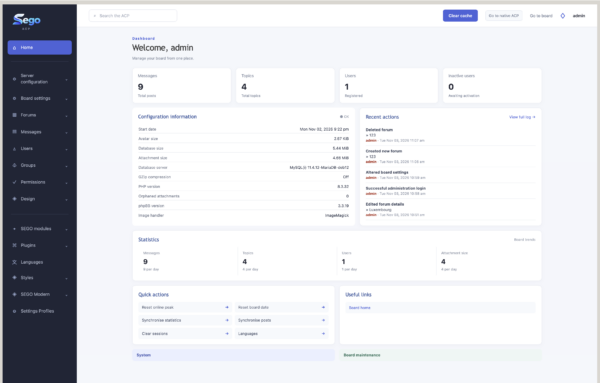
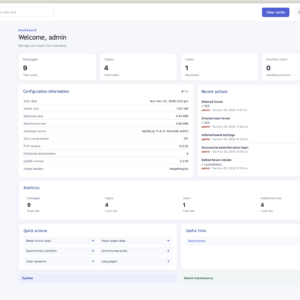
The completely redesigned Administration Control Panel (ACP) provides easier access to forum settings, styles, extensions, and permissions.
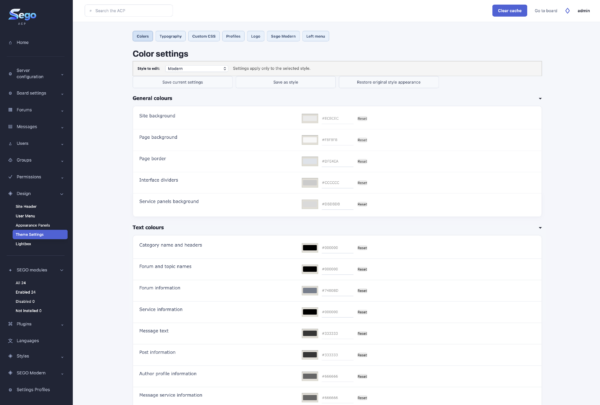
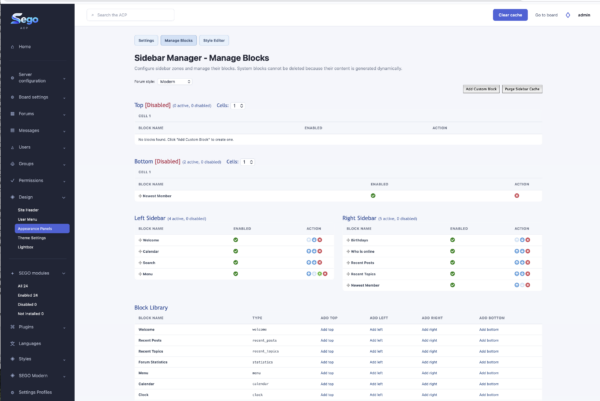
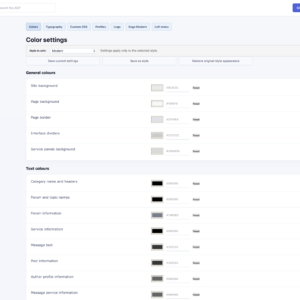
New appearance controls include Theme Settings, which lets you change the colour scheme across the entire site, adjust fonts, set a logo, and customise interface elements. The administration panel also provides controls for the header, main menu, sidebars, and upper and lower panels.
The SEGO Default profile applies predefined forum settings and permissions. Standard permissions are assigned automatically when new forums are created, so each section does not need to be configured from scratch.
ImageMagick and GD are supported for image processing and thumbnail generation, depending on what is available on your server.
You can switch back to the classic administration interface whenever needed.
4. Phones and Tablets
The responsive layout adapts to different screen sizes, allowing the forum to be used on desktop computers, tablets, and smartphones.
Menus, panels, and content adjust to the available screen width while keeping essential features accessible, including reading topics, posting messages, and using the user menu. No separate app is required — just a web browser.
5. Included Modules
Modern includes 24 SEGO modules, including adapted third-party extensions: the complete BASE module set and three additional Modern modules.
- SEGO ACP — a redesigned administration panel with access to forum settings, extensions, styles, and permissions.
- SEGO ACP Compatibility Patch — a supporting module that maintains compatibility between SEGO ACP and the underlying phpBB software.
- SEGO Forum Permissions — automatically assigns standard roles and access permissions to newly created forums.
- SEGO Settings Profiles — applies predefined forum settings and permission profiles, including SEGO Default.
- SEGO Theme Settings — provides controls for colours, fonts, the logo, and interface elements, with support for custom CSS.
- SEGO Header Next — a configurable header with quick actions, language and style selection, and light and dark appearance options.
- SEGO Main Menu — manages main menu items, links, icons, and nested entries.
- SEGO Sidebar — configurable information and navigation blocks with placement and appearance controls.
- SEGO Layout Switcher — lets users choose the width of the forum’s content area.
- SEGO Posting Form — improves the appearance of the standard post creation and editing form.
- SEGO Quick Reply Tools — adds formatting controls and extra tools to the quick reply form.
- SEGO Quote Link — preserves a quote’s link to its original post when edited in a visual editor.
- SEGO Reactions — adds post reactions, a list of users who reacted, statistics, and notifications.
- SEGO Runtime — a supporting module that checks the distribution’s licence and the availability of its components.
- SEGO Media Embed — embeds players and widgets from links to supported video, audio, and other media services.
- SEGO Image Processor — uses ImageMagick or GD, depending on server availability, to generate attachment thumbnails.
- SEGO Lightbox — opens images in an overlay, with resizing options and access to the original image.
- SEGO Thumbnail Frame — lets administrators enable or disable the border around attachment thumbnails.
- SEGO Topic Reader — a dedicated reading mode for viewing a topic’s posts in sequence.
- SEGO User Card — displays a pop-up card with basic user information and available profile details.
- SEGO Make Last — lets moderators move an existing post to the end of a topic and update its posting time.
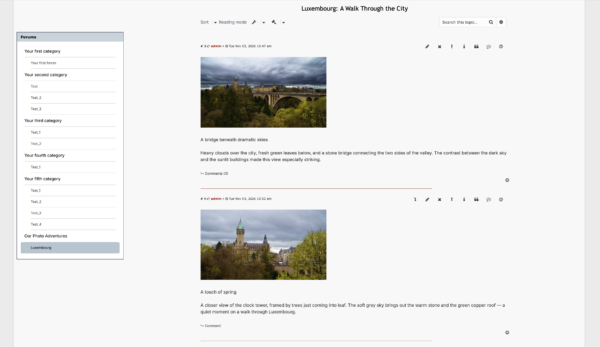
- SEGO Forum Tree — tree-based forum navigation showing nested sections and the user’s current location. Respects access permissions and the configured forum order.
- SEGO Subtopics — comment-style discussions attached to individual posts. Supports creating, viewing, editing, deleting, and submitting discussions for moderation, subject to access permissions.
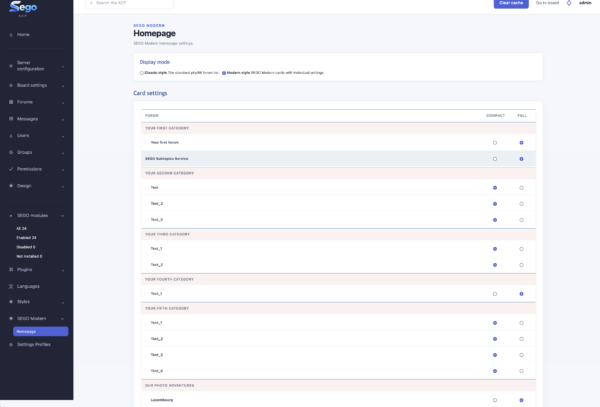
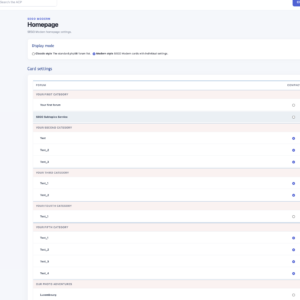
- SEGO Modern Settings — homepage settings for Modern, including forum and category display, forum card appearance, compact or full layouts, sorting, and user avatar visibility.
Two additional third-party extensions are included:
- Profile Side Switcher — changes the position of the author’s information relative to the post.
- Topic Title in Breadcrumbs — adds the current topic’s title to the breadcrumb navigation.
6. Compatibility and System Requirements
SEGO Modern is built on phpBB and retains its user, permission, and extension systems. Additional styles and extensions should be selected according to the included phpBB version and their compatibility with the SEGO interface.
Installation requires:
- a web server or hosting account with PHP support;
- a supported database and its connection details;
- the required PHP extensions;
- sufficient storage for forum files and user attachments.
ImageMagick or GD is used to generate image thumbnails, depending on server availability.
Exact PHP, database, and server requirements are provided for each SEGO Modern release. Check that your hosting environment meets those requirements before installation.
7. Installation: Quick FAQ
What do I need to prepare?
Upload the distribution files to your server or hosting account, create an empty database, and open the installer. Have your database connection details and administrator account details ready.
What does “one-click installation” mean?
After you enter the required details, the installer automatically installs and enables all included styles, 24 SEGO modules, and two additional extensions, then applies the default settings across the forum. Once installation is complete, you can start using the forum immediately.
Do I need to enable the modules manually?
No. After a successful installation, all 26 extensions — 24 SEGO modules and two additional extensions — are already enabled.
Do I need to install the styles separately?
No. The included styles are installed and activated automatically.
Do I need to import a preconfigured database?
No. Installation uses an empty database. No manual database import or SQL commands are required.
Will I need a licence?
If the installer requests a distribution licence, you will need to enter or confirm it during installation.
Can I change the default settings?
Yes. After installation, you can change the appearance, forum structure, permissions, and other settings through the administration panel.
Can I switch back to the classic administration interface?
Yes. You can switch to the classic administration interface whenever needed.
8. Who Is SEGO Modern For?
SEGO Modern is designed for quickly creating a lightweight, feature-rich forum: a community built around a shared interest, a club, a discussion board, a support forum, or a general meeting place.
With its ready-to-use appearance and preconfigured features, the distribution lets you focus on content and members, then develop the forum to suit your needs.