Sego Theme Settings
12,00 €
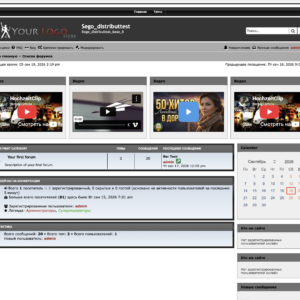
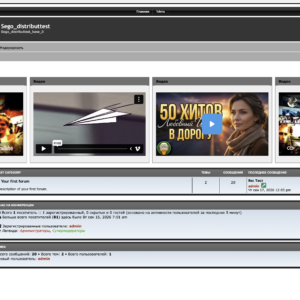
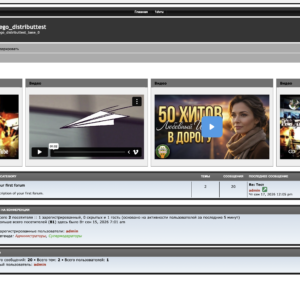
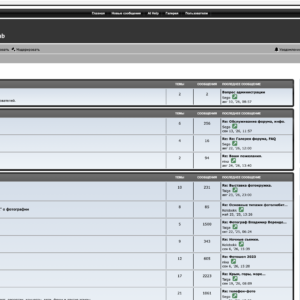
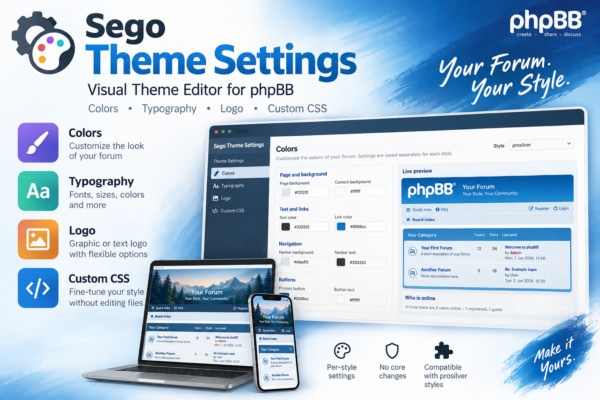
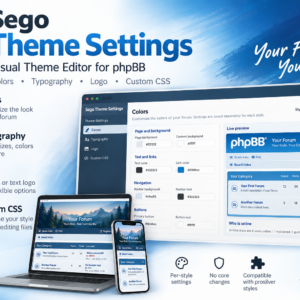
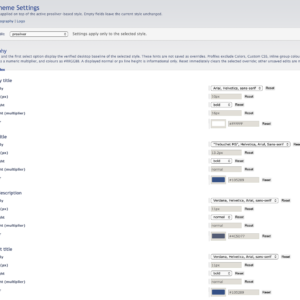
Sego Theme Settings is a visual theme editor for prosilver-compatible phpBB styles. Customize colors, typography and logos separately for each installed style, and add your own CSS — without modifying phpBB core or theme files.
- Description
Description
Sego Theme Settings
Visual customization for prosilver-compatible phpBB styles without editing theme files or the phpBB core.
Sego Theme Settings lets you customize each installed style independently. Colors, typography, logos and Custom CSS are combined in a single extension, while the original style files remain untouched.
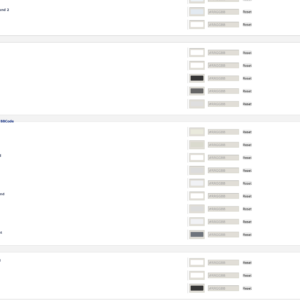
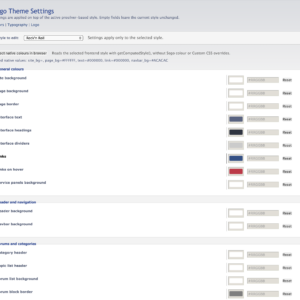
COLORS
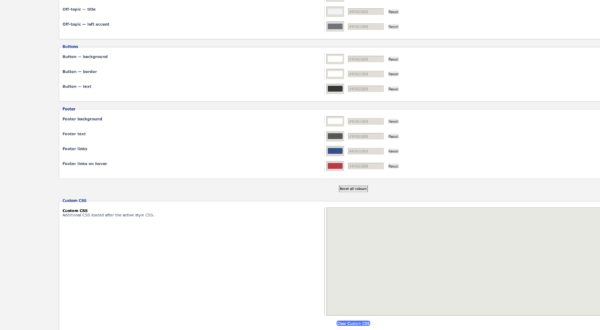
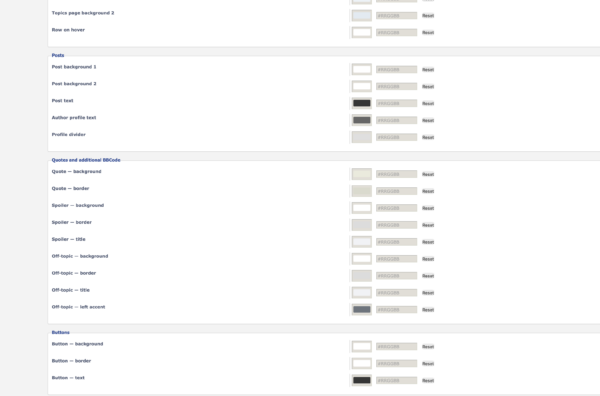
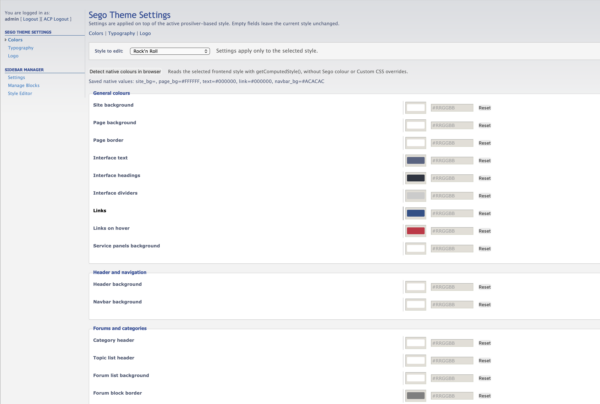
The Colors editor lets you customize the main visual elements of your forum, including:
• page and content backgrounds;
• main text;
• links;
• navigation;
• categories and forums;
• panels;
• posts;
• user profile areas;
• buttons;
• other key interface elements.
Settings are stored separately for each installed style.
Native Color Probe can detect the actual colors of the selected style directly in the browser. This makes the original appearance of the theme a convenient starting point for further customization.
TYPOGRAPHY
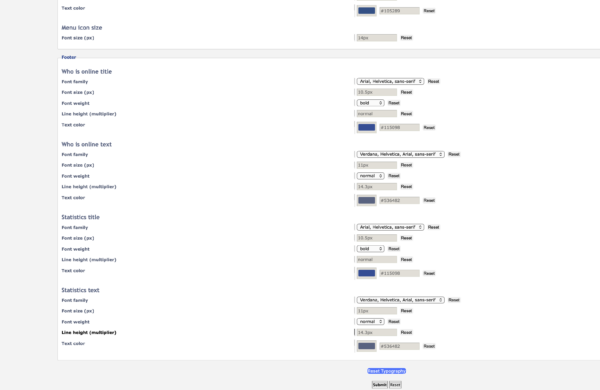
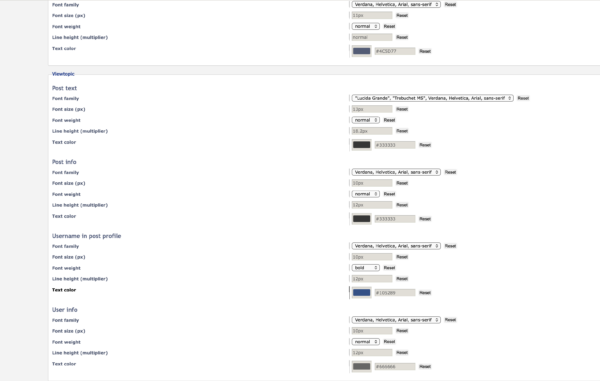
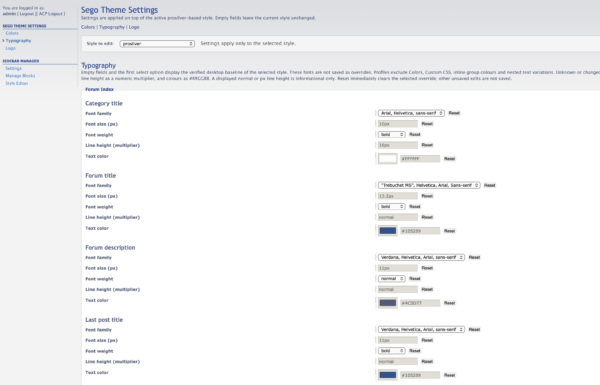
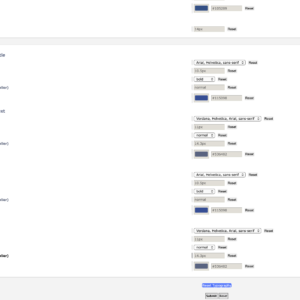
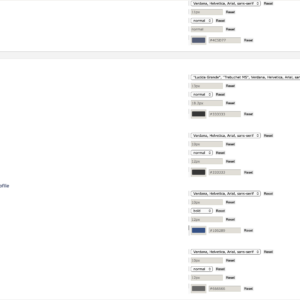
The Typography section provides detailed control over fonts used throughout the interface.
For supported interface areas, you can independently configure:
• font family;
• size;
• color;
• weight.
Typography settings are stored separately for each style, allowing different installed themes to use their own font configuration.
LOGO
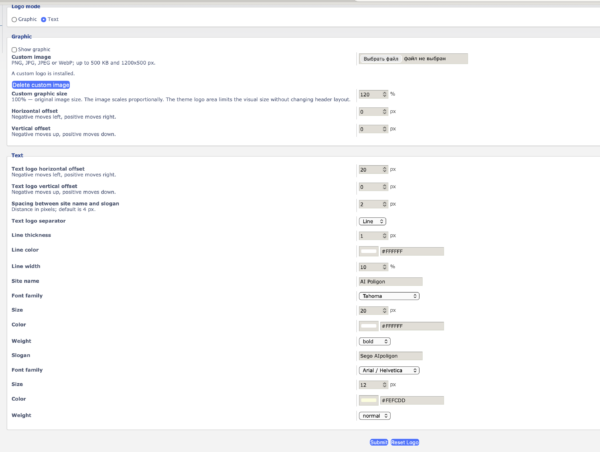
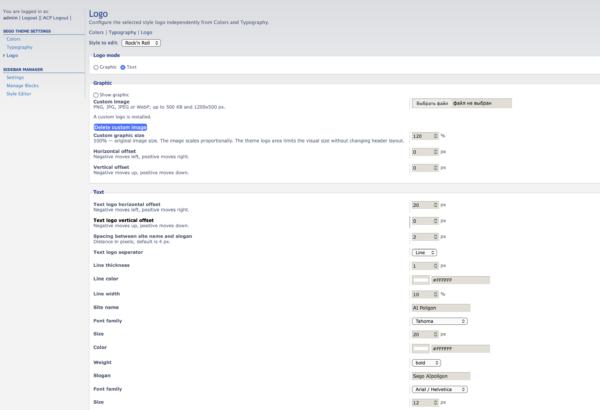
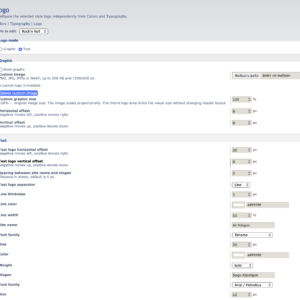
Sego Theme Settings supports two independent header logo modes:
• Graphic Logo;
• Text Logo.
Switching between the two modes does not delete the configuration of the inactive mode. You can configure both and switch between them whenever needed.
GRAPHIC LOGO
Replace the standard logo of an installed style with your own image.
Available options include:
• upload a custom logo;
• replace the uploaded logo;
• delete the custom logo;
• show or hide the logo;
• adjust its scale;
• horizontal positioning;
• vertical positioning;
• return to the original style logo.
PNG, JPG/JPEG and WebP images are supported.
Uploaded images are validated server-side for file type, file size and actual image dimensions.
The original logo file of the installed style is never modified or deleted.
For best results, use an image with proportions similar to the original logo of the selected style, as the size and structure of the logo area are defined by the style itself.
TEXT LOGO
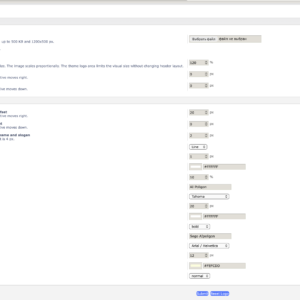
Instead of an image, the header can display a site name and slogan.
The site name and slogan can be configured independently.
For each one you can set:
• custom text;
• font family;
• font size;
• color;
• normal or bold weight.
The complete Text Logo block also supports:
• horizontal positioning;
• vertical positioning;
• spacing between the site name and slogan;
• an optional separator line.
The separator can be configured with its own thickness, color and length.
CUSTOM CSS
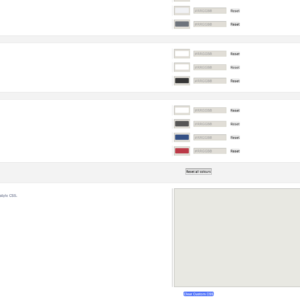
For adjustments beyond the visual editor, Sego Theme Settings provides a dedicated Custom CSS field.
Administrators can add their own CSS rules without modifying the source files of the installed style.
Custom CSS is applied as an additional styling layer, allowing precise customization whenever the built-in controls are not enough.
PER-STYLE SETTINGS
The main Sego Theme Settings configuration is stored separately for every installed style.
This makes it possible to use multiple themes with different:
• colors;
• typography;
• logos;
• additional CSS customization.
Changing one style does not require changing the others.
RESET SETTINGS
Individual editor sections can be reset to their original state.
After a reset, custom settings stop overriding the selected theme while the original style files remain unchanged.
KEY FEATURES
• visual customization of prosilver-compatible styles;
• separate settings for each installed style;
• Colors editor;
• Native Color Probe for detecting original theme colors;
• advanced Typography controls;
• Graphic Logo mode;
• Text Logo mode;
• custom logo upload;
• logo scaling and positioning;
• independent site name and slogan styling;
• configurable Text Logo separator;
• Custom CSS;
• section reset;
• English and Russian interface;
• no phpBB core modifications;
• no modification of original style files.
COMPATIBILITY
Sego Theme Settings is designed for phpBB and prosilver-compatible styles.
The extension does not modify the phpBB core or the original files of installed themes.
SEGO THEME SETTINGS 2.0.0
Version 2.0.0 brings colors, typography and logo customization together in a unified Theme Editor.
Sego Theme Settings makes it possible to significantly change the appearance of phpBB while preserving the structure and compatibility of the original style — without creating and maintaining a separate custom theme.